
Photos pile up and get hard to find.
One dated page per day makes trips and ordinary moments easier to revisit.
PetaDay
iPhone / Requires iOS 17.0 or later
For people who
One dated page per day makes trips and ordinary moments easier to revisit.
A single photo can hold the day, even when you don't write anything.
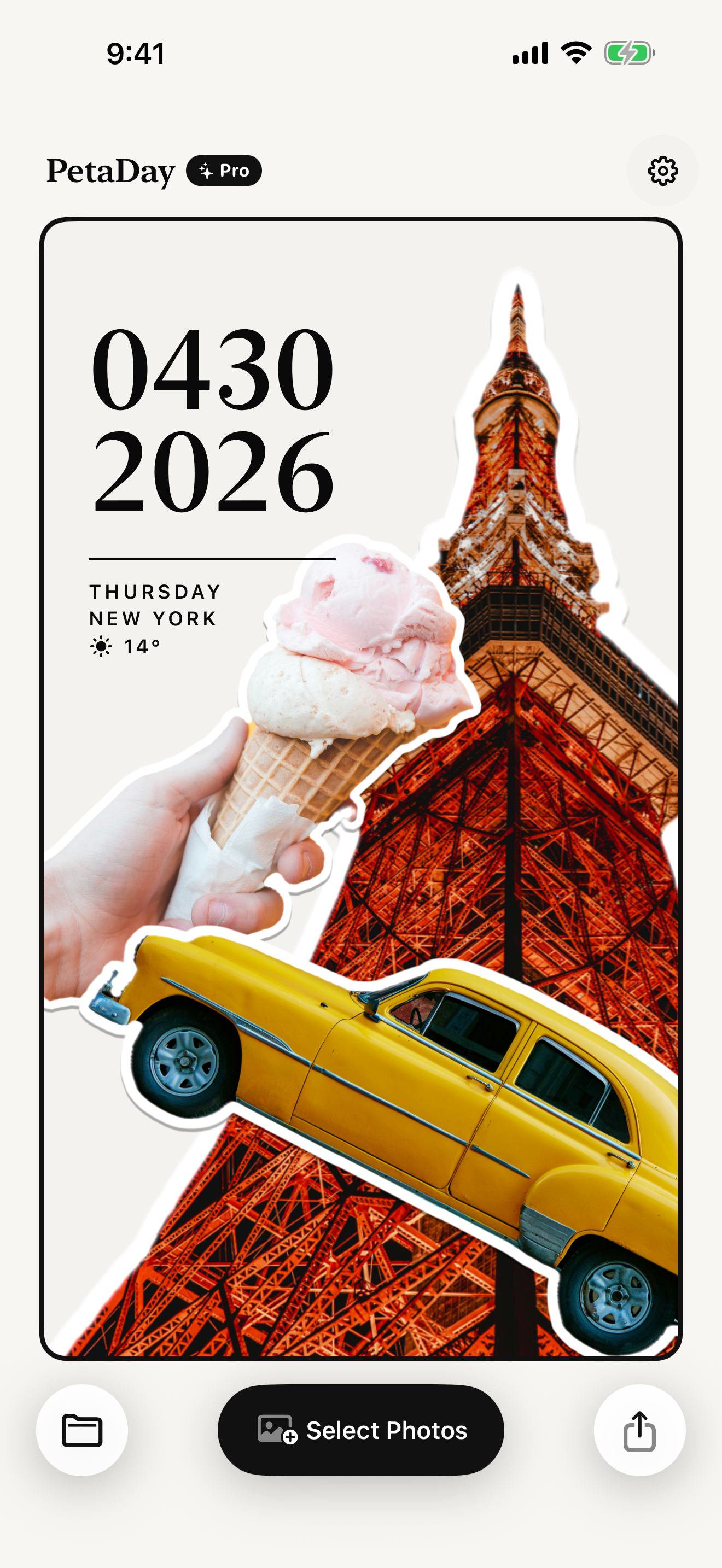
Pick a photo, make it a sticker, place it. The flow stays light enough for daily use.
How it works
PetaDay keeps the flow short: choose a photo, make a sticker, place it on the page.
Pick one photo from your camera roll that feels like today.
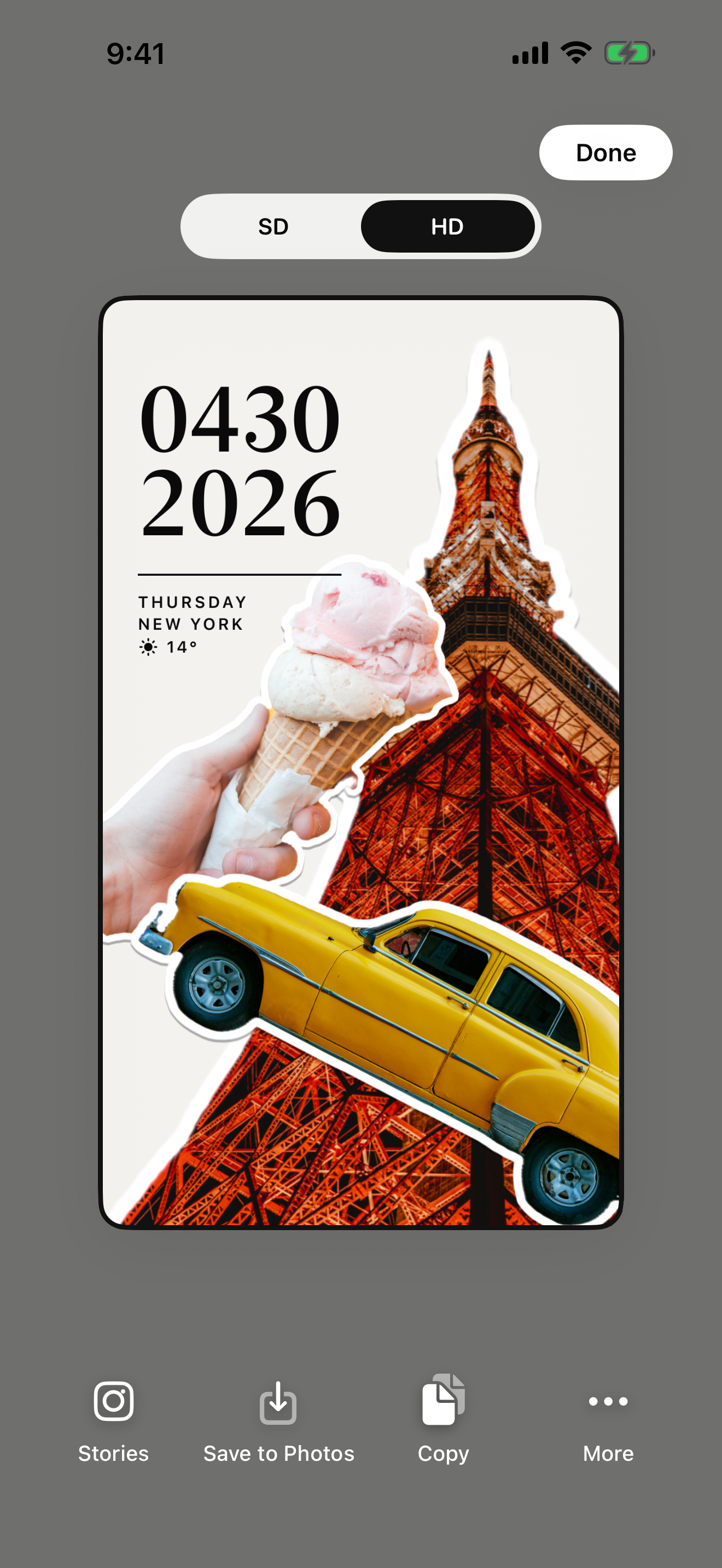
Save or share only the pages you want to show.
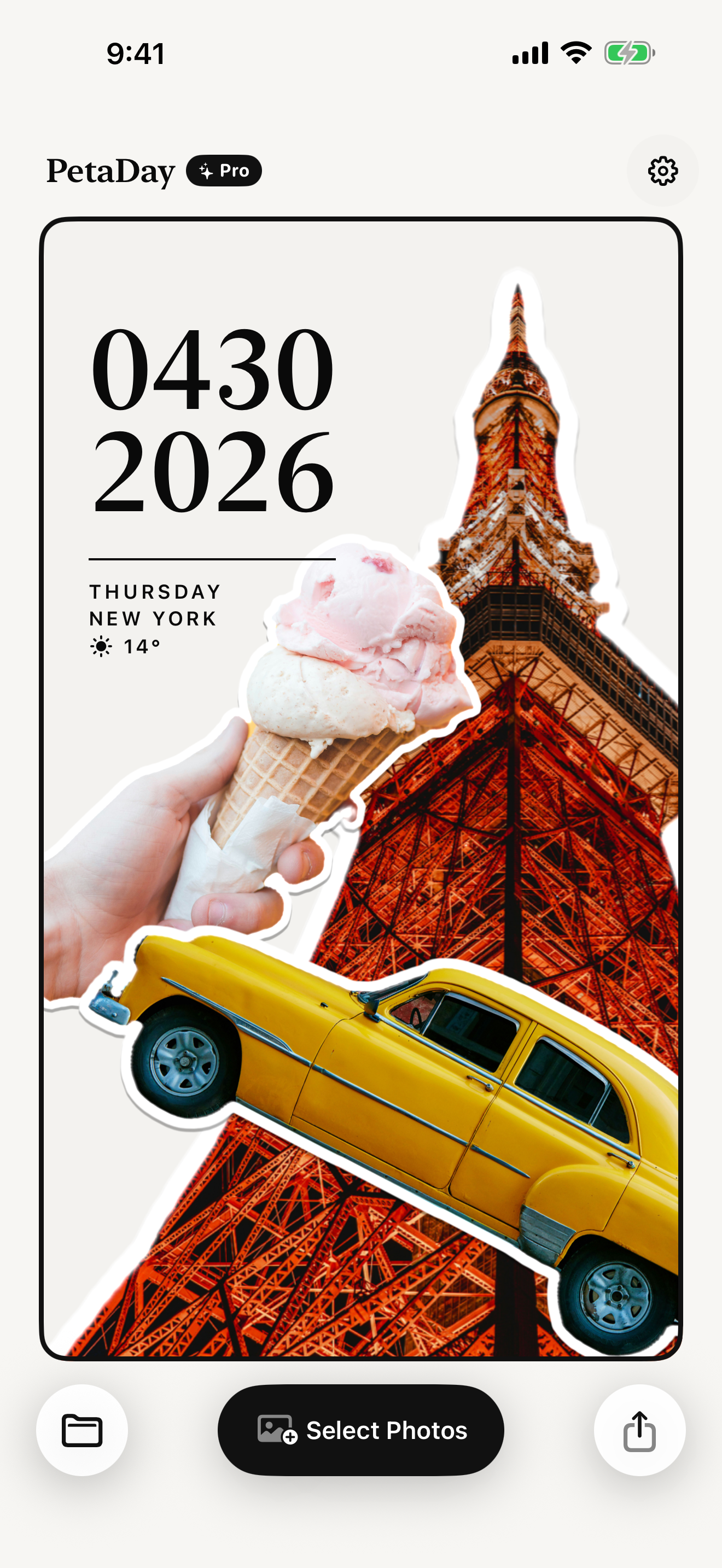
Look back through pages organized by date.
What you get
Photos are kept on the page for that day, so you can find them later.
Subjects become stickers quickly, so recording the day does not become editing work.
Adjust size and layering to make the page worth looking back at.
Save the finished page as an image. Share only when you choose to.
What to keep
Morning coffee and the ice cream on the way home
Day 1 of the trip — the food, the signs, the ticket
Kid's socks, drawings, small moments of growing up
The concert ticket and the station name on the way back
The balcony flower that only bloomed on weekends
That one bite of cake you shared with a friend
PetaDay
Put a photo on a dated page. That small action gives you a reason to look back later.
Why it lasts
PetaDay lets one photo become the page, even when you do not write a paragraph.
A clear daily unit makes the habit easier to continue.
No asset hunting. The page starts from what you actually took.
Pages stay for you unless you decide to share them.
Privacy
PetaDay has no ads, no auto-upload, and no auto-posting. Sharing only happens when you choose it.
FAQ
Start free
PetaDay is free to start. Choose a photo and keep it as one page for the day.
Download